AI Image Prompt Generator
The difference between a cat and a photograph is the light, the lens, and where the camera is standing.
FreeNo sign-upAbout 10 seconds
Fill in the fields and press Generate. The output streams in here and stays in your browser.
Image models do not read intent. A cat in a garden gives the model almost nothing to choose between, so it returns the average of every cat photograph it has seen. What changes the output is the vocabulary a photographer would use: where the camera is, what the light is doing, how the edges are rendered, what the lens does to the background.
Use this when you have the idea and not the words: a book cover concept, a moodboard frame, a blog header, a character reference. Describe the subject in plain language, then set the look with the menus. Paste the result into your image tool and change one variable at a time, or you will never learn which choice made the picture better.
What the image prompt generator gives you
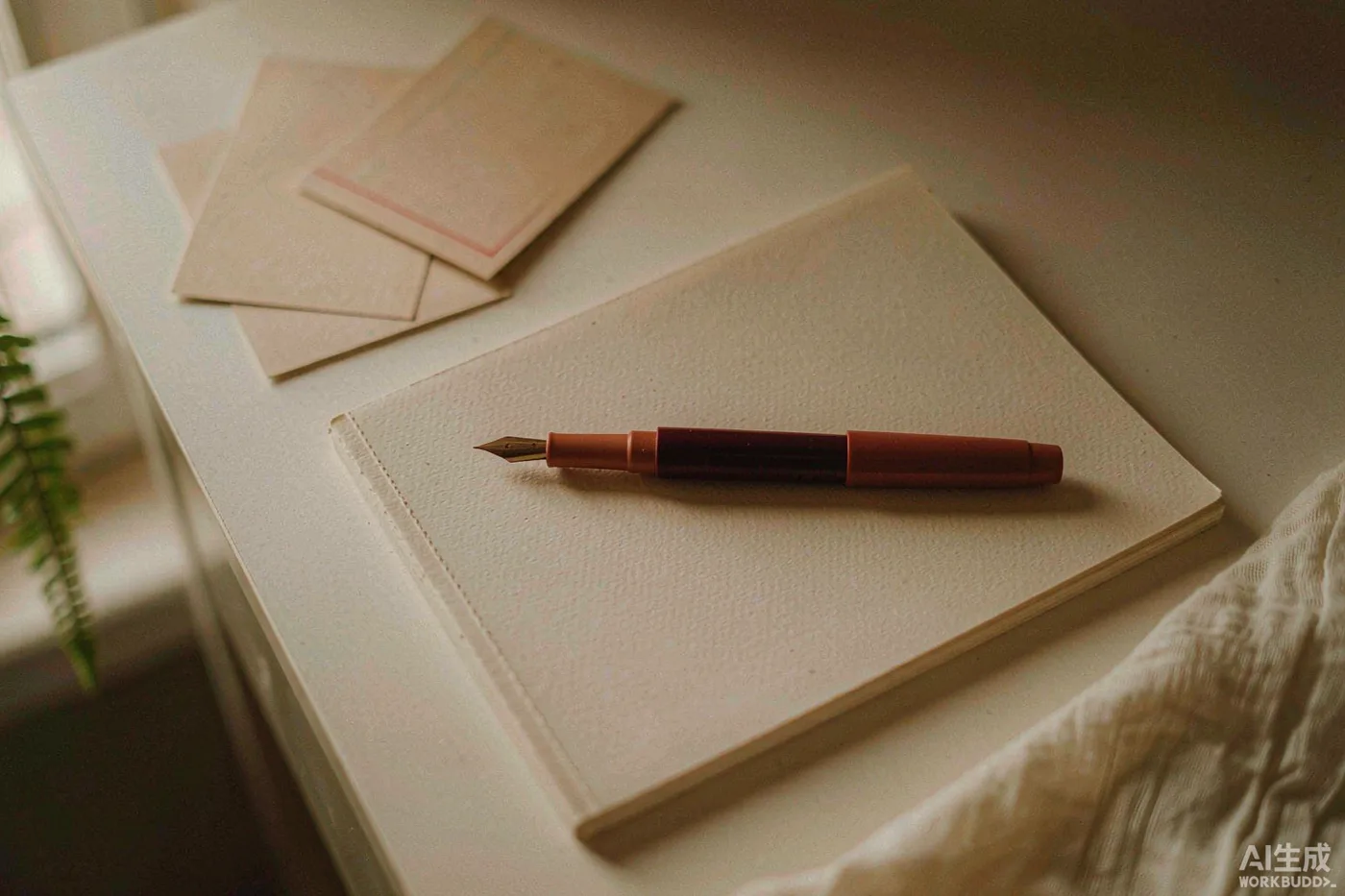 01
Photographer vocabulary in, plain readable text out
Style, mood and lighting become terms a diffusion model responds to — lens length, light direction, edge treatment — instead of adjectives it quietly ignores. Those adjectives are most of what a naive prompt consists of anyway.
 02
Lighting treated as the main lever
Golden hour, blue hour, neon and candlelight each produce different falloff and color. The prompt says where the light comes from, which is what separates a photograph from a render. That is why the same subject looks like a different picture from one run to the next.
 03
Composition gets decided before any detail
Close-up, wide establishing, overhead and macro change the subject-to-frame ratio entirely. Composition sits early in the prompt so the model commits to a frame before it starts adding texture. Composition is not a crop you can fix afterwards.
 04
A surprise switch that earns its name
Turned on, the prompt adds one unexpected but coherent detail: a misplaced object, an odd reflection, a second light source. Turned off, it stays literal. Either way you get one prompt rather than a set of variants to pick between.
When to use it
Breaking a blank page
The hardest part of a creative session is the first line. Generate ten options in the time it takes to stare at an empty document, then keep the one that makes you reach for a pen.
Warming up a room
Jokes, roasts and short prompts are the fastest way to loosen a group — a wedding rehearsal, a team meeting, a group chat that has gone quiet. Short form is where generation is genuinely as good as a human.
Feeding a bigger project
A prompt, a paragraph or an image description is rarely the deliverable. It is the seed for a story, a post or a shoot. Use the output as material, not as the finished thing.
How it works
- 1
Describe the subject like a person
Say what it is, what it is doing and where it stands. “An old fisherman mending a net on a wet dock” beats “fisherman, realistic” every time.
- 2
Set the look, not the tool
Style, mood and light together decide more than the subject field does, and they transfer across Midjourney, DALL·E and Stable Diffusion without rewriting anything. Pick them for the image you want, not for the tool you happen to be using.
- 3
Change one variable at a time
Alter the lighting or the composition, never both. Two changes at once and you cannot tell which one improved the image, which is how people end up with a folder of near-misses.
Frequently asked questions
Which image models does this work with?
+
Any text-to-image model. The output uses plain descriptive language rather than Midjourney-only flags, so it works in Midjourney, DALL·E, Stable Diffusion, Firefly and most others. Append your own aspect ratio or style flags at the end if your tool requires them.
Why does it avoid naming artists?
+
Naming a living artist borrows a style without permission, and many platforms now block it. Describing the visible properties — palette, texture, contrast, edge quality — gets closer to the look you want and keeps the prompt portable between tools. Describing the properties also survives a switch from one model to another. It gives you something concrete to adjust when a render misses.
Can I get more than one prompt per run?
+
Each run returns one prompt, which is deliberate. A good prompt is a set of decisions, not a list of options. Regenerate with Surprise Me turned on to get a different reading of the same subject instead. One strong prompt beats five weak variations.
Does it write negative prompts?
+
Not by default, because negative prompts are handled differently across tools and a mismatched one makes results worse. If yours needs one, ask for it in the subject field and the model will append a short list of things to avoid. Keeping it short also makes the prompt easier to edit later.
How long should my subject description be?
+
One to three sentences is the sweet spot. Too short and the model fills the gaps with clichés, too long and the later details get dropped. Put the most important thing in the first six words and the rest of the description after it. Everything past that is texture and polish.
Can I use the images commercially?
+
The prompt is yours, but the image is governed by whichever tool rendered it. Midjourney, DALL·E and Stable Diffusion each have their own commercial terms, and most require a paid plan for business use. Read those terms before you build a campaign around a particular look.
Related tools
Not quite the right tool?
There are 76 generators for stories, poems, lyrics and everyday writing.